

Why Your Website Is Not Ranking on Google
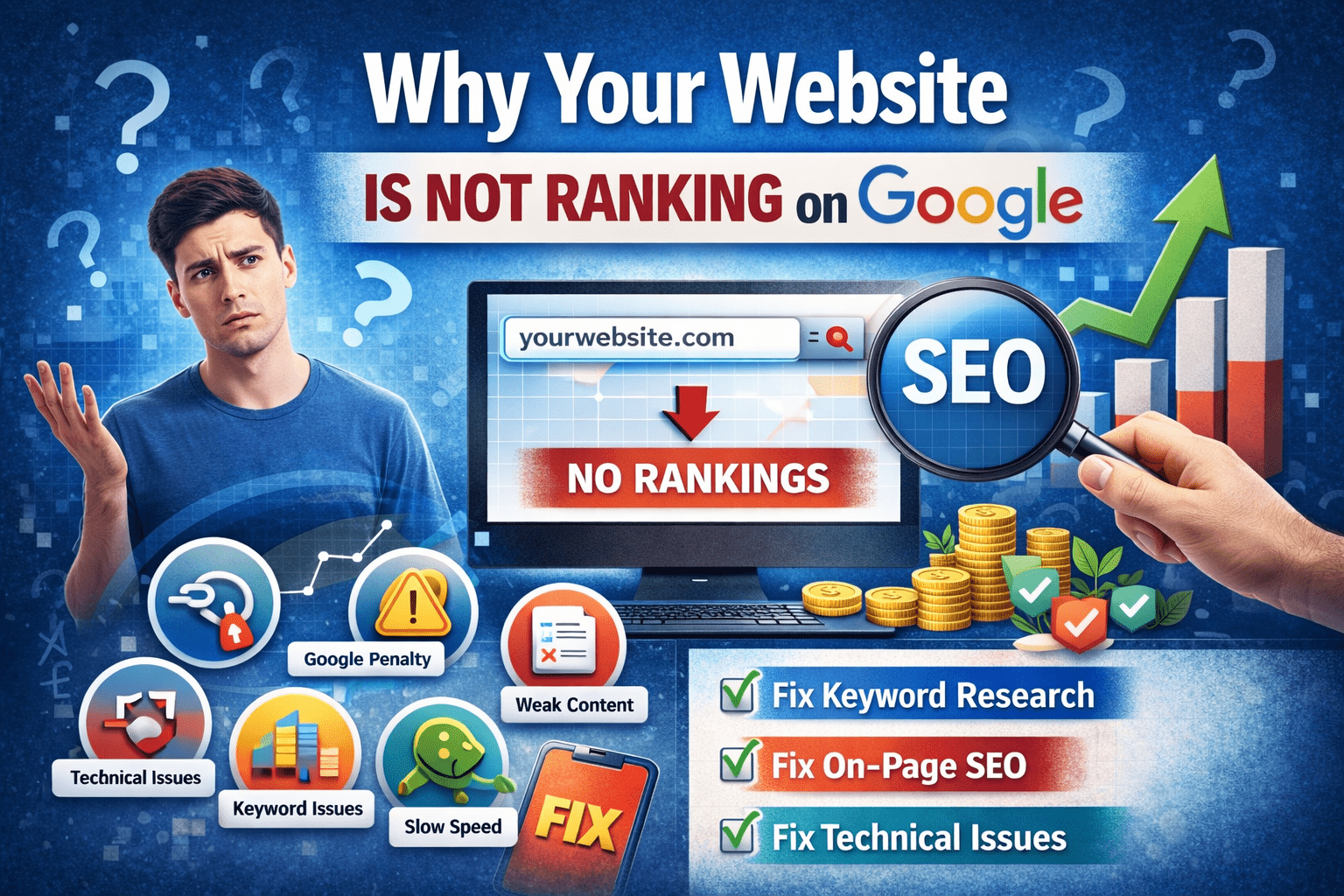
Why your website is not ranking on Google is one of the most common concerns for business owners, bloggers, and marketers. You may have a well-designed website, great content, and even products or services—but if your site isn’t visible on search engines, you’re missing out on massive traffic and potential revenue.
In this guide, we’ll break down the real reasons your website isn’t ranking and, more importantly, how to fix each issue effectively.
📑 Table of Contents
- Lack of Proper Keyword Research
- Poor On-Page SEO Optimization
- Weak or Thin Content
- Slow Website Speed
- Not Mobile-Friendly
- Lack of Backlinks
- Technical SEO Issues
- Poor User Experience (UX)
- Website Is Too New
- Google Penalties
- How to Fix Ranking Issues Fast
- Conclusion
1. Lack of Proper Keyword Research
One major reason why your website is not ranking on Google is targeting the wrong keywords.
Common mistakes:
- Choosing keywords with very high competition
- Ignoring long-tail keywords
- Not understanding search intent
Fix:
- Use tools like Google Keyword Planner
- Focus on low-competition keywords
- Target keywords your audience is actually searching
2. Poor On-Page SEO Optimization
Even with good content, poor optimization can hurt rankings.
Issues include:
- Missing keywords in title and headings
- Poor meta descriptions
- No internal linking
Fix:
- Add your focus keyword in:
- Title
- Headings (H1, H2)
- First 100 words
- Optimize meta tags
- Use proper heading structure
3. Weak or Thin Content
Content is a major ranking factor. Thin or low-quality content won’t rank.
Problems:
- Short articles (under 600 words)
- Duplicate content
- No value for users
Fix:
- Write detailed, helpful content (1000+ words)
- Solve user problems
- Keep content unique and engaging
4. Slow Website Speed
Speed is a critical ranking factor. A slow site increases bounce rates.
Causes:
- Large images
- Poor hosting
- Too many plugins
Fix:
- Compress images
- Use fast hosting
- Enable caching
5. Not Mobile-Friendly
Google uses mobile-first indexing. If your site isn’t mobile-friendly, rankings drop.
Fix:
- Use responsive design
- Test with Google Mobile-Friendly Tool
- Optimize layout for small screens
6. Lack of Backlinks
Backlinks signal authority to Google. Without them, ranking becomes difficult.
Fix:
- Guest posting
- Build relationships with bloggers
- Create shareable content
Quality backlinks improve your domain authority and ranking potential.
7. Technical SEO Issues
Technical errors can prevent your site from ranking at all.
Common issues:
- Broken links
- Missing sitemap
- Crawl errors
- No SSL certificate
Fix:
- Submit sitemap in Google Search Console
- Fix crawl errors
- Use HTTPS
8. Poor User Experience (UX)
Google prioritizes websites that offer a good user experience.
Problems:
- Confusing navigation
- Too many ads
- Hard-to-read content
Fix:
- Improve design and layout
- Make navigation simple
- Use clear fonts and spacing
9. Website Is Too New
If your site is new, it may take time to rank.
Why:
- Google needs time to trust your site
- No backlinks yet
- Low authority
Fix:
- Be consistent
- Publish content regularly
- Build backlinks gradually
SEO is a long-term strategy, not instant.
10. Google Penalties
If you violate Google guidelines, your site may be penalized.
Causes:
- Keyword stuffing
- Spam backlinks
- Duplicate content
Fix:
- Remove harmful backlinks
- Follow white-hat SEO practices
- Use Google Search Console to check penalties
11. How to Fix Ranking Issues Fast
Now that you understand why your website is not ranking on Google, here’s a quick action plan:
✅ Quick Fix Checklist:
- Optimize your keywords
- Improve content quality
- Fix technical issues
- Speed up your website
- Build backlinks
- Improve UX
Consistency is key—results take time but are worth it.
Common Mistakes to Avoid
While fixing SEO issues, avoid:
- Over-optimizing keywords
- Ignoring mobile users
- Publishing low-quality content
- Not updating old content
Avoiding these mistakes ensures steady growth.
Future of SEO (2026 and Beyond)
SEO is evolving rapidly. To stay ahead:
- Focus on user intent
- Optimize for voice search
- Use AI tools wisely
- Improve content quality
Google continues to prioritize value and user experience.
Conclusion
Understanding why your website is not ranking on Google is the first step toward fixing the problem. Whether it’s poor keyword research, weak content, or technical issues, each factor plays a role in your site’s visibility.
By applying the strategies in this guide, you can improve your rankings, attract more traffic, and grow your online presence.
Start optimizing today and watch your website climb the search results. Understanding why your website is not ranking on Google is crucial if you want long-term SEO success.